Nadigit IMS Documentation
Simplifying modern business management.
Everything you need to set up, use and administer Nadigit IMS: stock, point of sale, sales, purchasing, finance and business insight.
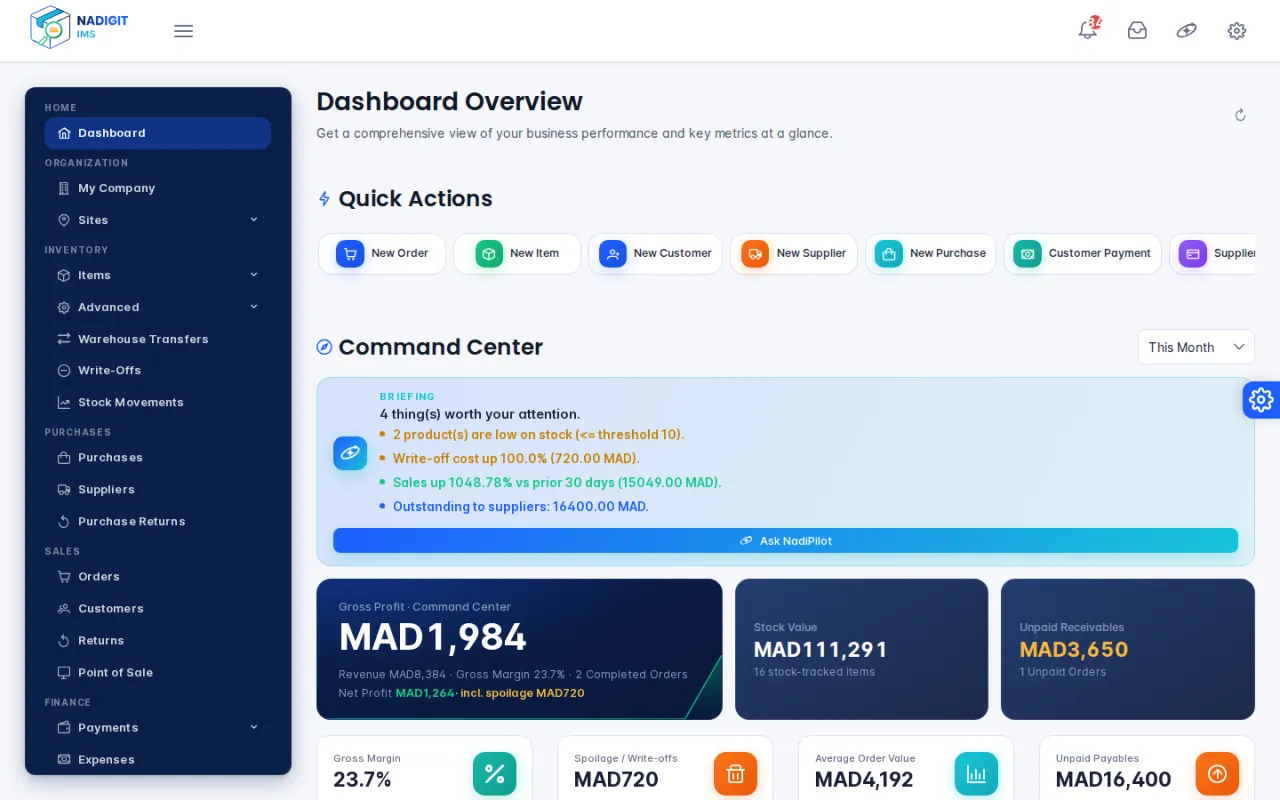
Get started quickly
Get started with Nadigit IMS
Sign in, discover the interface and follow the recommended setup order.
2Set up your organization
Fill in your company details, then adapt the default warehouse and shop.
3Add your first items
Create or import your catalog and track stock per warehouse.
4Make your first sale
Open the register, add items to the cart and check out at the point of sale.
Popular guides
Documentation by role
Explore the documentation

User guide
Catalog and stock, purchasing, sales, point of sale, finance, reports and NadiPilot.

Administration
Users and roles, settings, backups, licenses and plans.

Technical documentation
Architecture, on-premises installation, configuration reference and e-commerce integration.

Release notes
New features, improvements and fixes in each version.
Latest updates
- Staff performance: a report per job (cashiers, vendors, warehousemen), compared with the previous period and the team median.
- Custom periods and CSV and Excel export for the performance report.
- NadiPilot now has its own page in the user guide.
See the Quick start and FAQ, or contact the Nadigit team through the Support page.